Note
Go to the end to download the full example code.
Plotting a Pandas Dataframe
 run this example as a notebook — or grab the .ipynb (also linked at the bottom of the page)
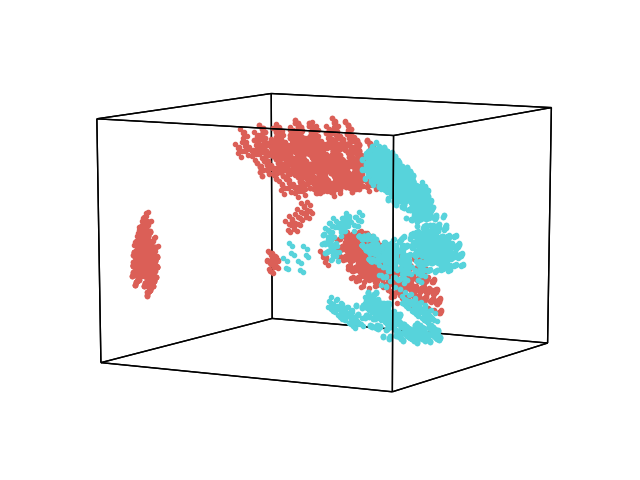
Hypertools supports single-index Pandas Dataframes as input. In this example, we plot the mushrooms dataset from the kaggle database. This is a dataset of text features describing different attributes of a mushroom. Dataframes that contain columns with text are converted into binary feature vectors representing the presence or absences of the feature (see the top-level pandas.get_dummies function for more). Because the rows of this dataset have no meaningful order, we plot them as points (the ‘.’ format string) rather than as a connected line.
  bruises cap-color cap-shape  ... stalk-surface-below-ring veil-color veil-type
0       t         n         x  ...                        s          w         p
1       t         y         x  ...                        s          w         p
2       t         w         b  ...                        s          w         p
3       t         w         x  ...                        s          w         p
4       f         g         x  ...                        s          w         p

[5 rows x 22 columns]
/home/docs/checkouts/readthedocs.org/user_builds/hypertools/checkouts/latest/hypertools/plot/backend.py:1353: UserWarning: Failed to switch to any interactive backend (TkAgg, QtAgg, Qt5Agg, Qt4Agg, GTK4Agg, GTK3Agg, WXAgg). Falling back to 'Agg'.
  warnings.warn(BACKEND_WARNING)
Total running time of the script: (0 minutes 0.203 seconds)